
Research-based news explainer. Details come from Epic and the reports linked below, not from our own testing. No affiliate links.
The short answer
Quick answer
- Epic released a rebuilt Epic Games Launcher in Preview on 14 October 2026 for Windows, macOS on Apple Silicon and, for the first time, Linux.
- The legacy launcher stays available. Gaming.net reports that Epic recommends staying on it for Fortnite and Rocket League while the Preview is in development.
- Installing the Preview moves your installed games across and removes the legacy launcher. Going back means uninstalling the Preview, which also uninstalls your installed games (Epic Support).
- Your account, purchases, cloud saves and progress carry over, per Epic.
What Epic says is new
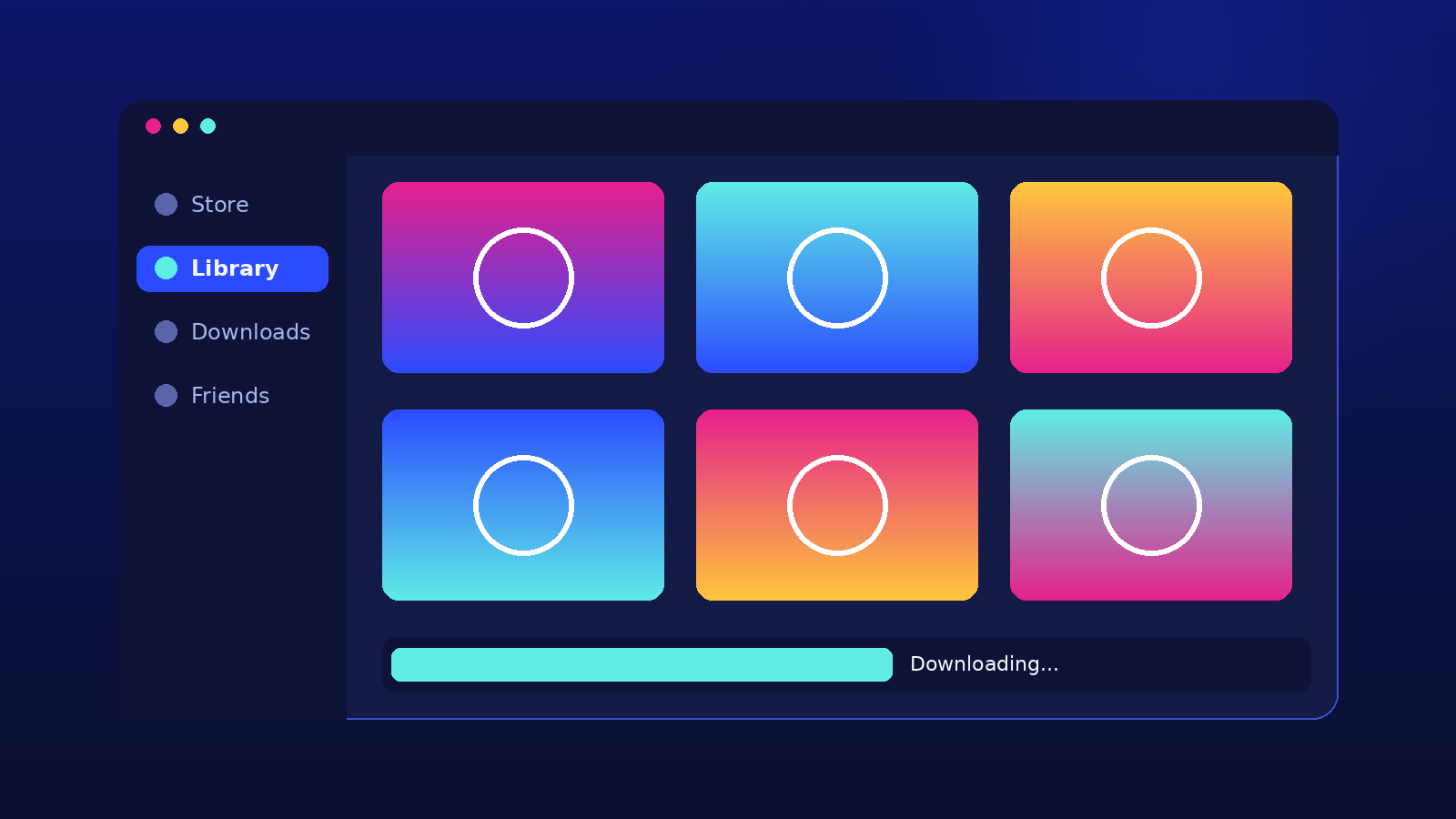
- One frame for everything. The Store, Library and Develop sections share a single window, and a customizable top bar lets you pin favorite games and apps.
- Activity feed. It shows playtime, updates and installs since you last played.
- Library views. Grid and list views, a Details view, collections, search as you type, hiding games and sorting by platform and genre.
- Download manager. It shows live download, read and write speeds and lists active, queued, scheduled and failed downloads in one place.
- Social. Party and voice chat connect friends across Fortnite, the Epic Games Store and the Epic Games app.
Epic also described the rebuild as “vibe coded”, its term for AI-assisted programming, and called this first release light on features (Gaming.net).

Confirmed, claimed and our take (28 October 2026)
- Confirmed The Preview is still in development, may have bugs, and lacks some features from the legacy launcher (Epic Support).
- Confirmed Some social features and account management options are not available yet, and Epic says it is working toward feature parity (Gaming.net).
- Claimed Epic published a 5.47 second cold start for the new launcher against 10.07 seconds for Steam. The testing was commissioned by Epic and run by Keywords Studios in October 2026, and results vary by computer (God Is a Geek). We have not measured this.
- Our take If you play Fortnite or Rocket League often, follow Epic’s advice and wait. If you mostly buy and install games, the Preview is easy to try as long as you accept the reinstall cost of going back.
How to install it
- Go to Epic’s Launcher Preview website and download the installer for your system: Windows (x64), macOS (Apple Silicon only) or Linux (x64, AppImage or .deb).
- Run the installer and sign in with your Epic Games account.
- If the legacy launcher is installed, the Preview offers to move your installed games, apps and Unreal Engine projects, then uninstalls the legacy launcher. You do not need to download the games again. Moving can take a while, so keep the window open until it finishes (Epic Support).
Requirements listed by Gaming.net: on Windows, Windows 10 or 11 (64-bit), an Intel Core i3 or AMD Ryzen 3 processor, 4GB of RAM and 700MB of storage. On macOS, macOS 12 Monterey or newer with an M1 chip or newer. Intel Macs are not supported.
How to go back to the legacy launcher
Epic says you can return: uninstall the Preview, then install the legacy launcher from the Epic Games Store website. The catch is that uninstalling the Preview also uninstalls all your previously installed games. Plan for the download time and bandwidth first, especially if you keep several large games installed. Our guide to how much SSD storage you need for gaming lists current install sizes.
Linux support
- The launcher runs natively on Ubuntu 22.04 LTS or newer, Fedora 43 or newer and Debian 12 or newer. Other distributions may work but are not officially tested or supported.
- Many games are Windows builds and may still need a compatibility layer, so whether a game runs depends on the game, not only on the launcher.
- Fortnite on Linux is waiting for a rebuilt Easy Anti-Cheat, called EAC Linux v2, which needs TPM 2.0, Secure Boot and other settings. Epic says the Steam Deck does not support what EAC v2 requires and that it is talking to Valve. No date is confirmed.
What is still unconfirmed
Neither a stable release date for the rebuilt launcher nor a Fortnite on Linux date has been confirmed, according to God Is a Geek. Epic describes a three-stage path: rebuilt from the ground up, a Preview open to everyone, then a stable release shaped by player feedback. Feedback goes through the launcher’s built-in reporting tool, Epic’s Discord and the Epic Developer Community forums. Steam made its own client change in the same week, which we cover in our guide to Steam Achievement Sets.
Last checked 28 October 2026. We update this article when Epic changes the Preview, names a stable release date or ships full Fortnite integration. How we source our guides is explained on the About page.
Sources
- Epic Games Store Support: What is the Epic Games Launcher Preview?
- Epic Games Store: The new Epic Games Launcher is finally here in Preview (announcement linked from Epic’s support page)
- Gaming.net: Epic Games says it vibe coded its rebuilt launcher, now in Preview
- God Is a Geek: Epic Games Launcher Preview launches on Linux, Fortnite to follow


Leave a Reply